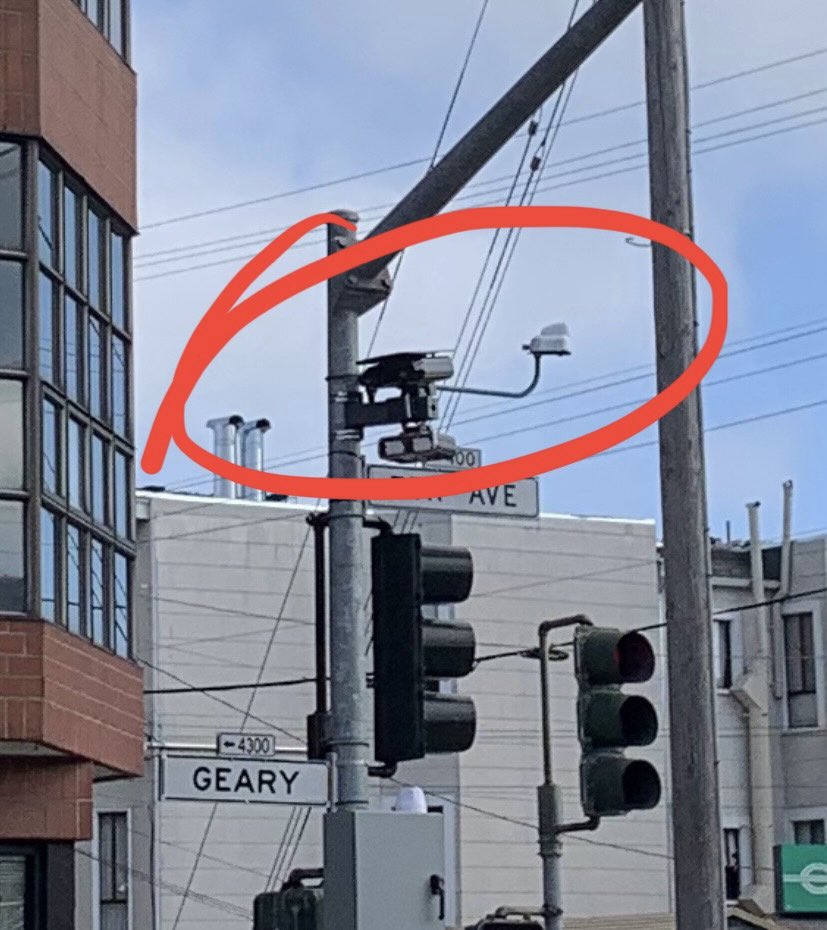
You open your mailbox and find a “Notice of Violation” from the Philadelphia Parking Authority (PPA). It isn’t a parking ticket—it’s a speed camera ticket from Broad Street or Roosevelt Boulevard.
Your first instinct is to panic and pay the $100 to $150 fine.
Stop.
Before you pay, you need to know that these tickets are significantly different from a regular speeding ticket issued by a police officer. They are “civil violations” managed by an automated system, and they have specific loopholes that many drivers overlook.
This guide breaks down exactly how to dispute a Philapark speed camera ticket, the “hidden” defense that actually works, and how to file your appeal.
Step 1: Don’t Pay It Yet
This is the golden rule: Payment is an admission of guilt.
Once you pay the fine online at philapark.org or violationinfo.com, the case is closed. You cannot get a refund later, even if you find proof you weren’t driving. You typically have 30 days from the mail date on the notice to file a dispute before late fees are added.
Step 2: Review the Evidence (Be a Detective)
The PPA is required to provide photographic proof. You need to verify exactly what they have on you.
- Go to the Philadelphia Parking Authority Violation Site
- Enter your Notice Number and PIN (found on the letter).
- Watch the video. Do not just look at the still photo. The video shows the context.
- Is the license plate 100% clear?
- Is it definitely your car? (Check the make/model listed on the ticket).
- Crucial Question: Was someone else driving?
Step 3: Choose a Winning Defense
Unlike a police stop where you might argue you were “flowing with traffic,” the camera system only cares about hard data. However, there are three specific defenses allowed by Pennsylvania law:
Defense #1: The “I Wasn’t Driving” Defense (The Hidden Option)
This is the most critical defense that the ticket often glosses over. Under Pennsylvania law (75 Pa.C.S. § 3369), the registered owner is liable, unless they were not driving at the time.
- How to use it: You must submit the Affidavit of Non-Responsibility (usually on the back of the notice or available online). You will generally need to identify the person who was driving so the fine can be transferred to them.
- Why it works: If you lent your car to a friend or family member, you are not legally required to pay their fine.
Defense #2: “It Wasn’t My Car” (Sold Vehicle)
If you sold the car before the violation date but the title transfer was delayed, you are not responsible.
- Proof needed: A bill of sale or transfer paperwork dated prior to the violation.
Defense #3: Stolen Vehicle
If your vehicle (or just your license plate) was stolen.
- Proof needed: A certified police report filed before the citation was issued.
Note: PPA speed camera tickets are civil violations. They do not add points to your license. If you were the driver and were actually speeding, it is often easier to pay the $100 than to fight it, as you will likely lose without one of the defenses above.
Step 4: How to File Your Dispute
You do not dispute these tickets in traffic court. They are handled by the Bureau of Administrative Adjudication (BAA).
Option A: Online (Fastest)
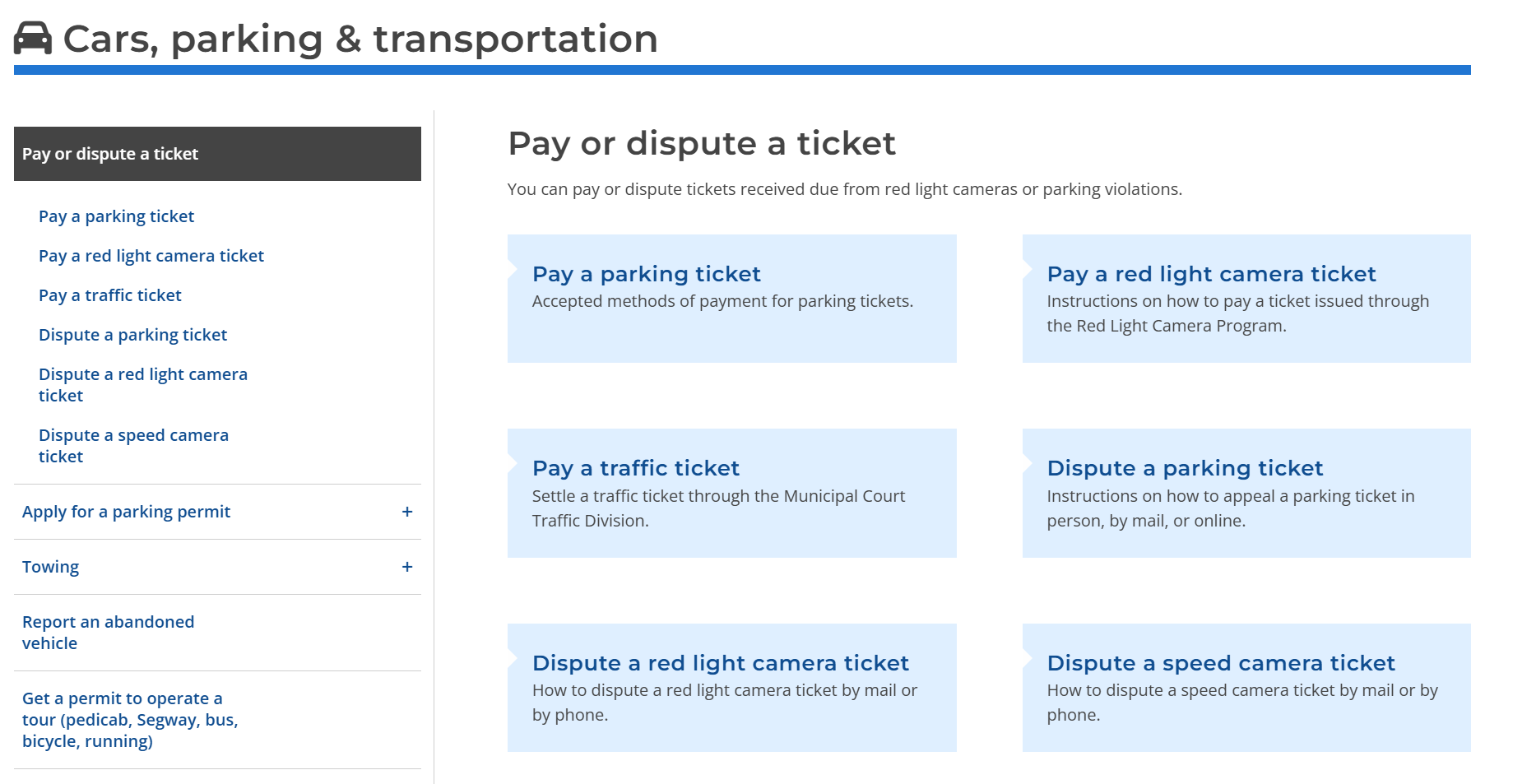
- Visit the [City of Philadelphia Dispute Portal].
- Upload your evidence (Bill of Sale, Affidavit, Police Report) directly. This is the fastest way to pause the clock on late fees.
Option B: By Mail
- Check the “Request a Hearing” box on the back of your ticket.
- Mail your evidence to the address listed on your notice (typically P.O. Box 8268 or similar for Speed Enforcement).
The Best Defense is an Alert
Winning a dispute is a hassle. Not getting a ticket is freedom.
The PPA is expanding. With new cameras on Broad Street and Route 13, it is impossible to memorize every trap.
That’s why we built Ticketguard.
Ticketguard is free to use and gives you a clear audio warning before you enter a speed camera zone. It works on Broad Street, Roosevelt Blvd, and school zones across the city. Download it today and stop worrying about what’s in your mailbox.
Related Philadelphia Driver Guides
- Where are the cameras? See the full map: Philadelphia Broad Street Speed Camera Locations: The 2026 Map
- Worried about points? Read our guide: Notice of Violation vs. Traffic Ticket: Why PPA Tickets Don’t Add Points